Your personal workout music metronome.
Import the music you love into Groovement. It analyzes each song's rhythm, gathers the right tracks for your workout, fine-tunes the tempo, and mixes them together. Enjoy your favorite melodies while keeping a steady workout beat.

Three steps
From import to your first workout in three steps
Everything stays on your device, with no network required.
-
01
Import local music
Import songs you love from your library, file picker, or WiFi transfer.
-
02
Lock your target BPM
Groovement detects each song's BPM so you can set the tempo you want.
-
03
Move on the beat
Follow the beat and land every stride right on time.
What it can do
What it can do, shown on real screens
Library

Local first
Processed locally; nothing is uploaded, and it works offline.
Custom library
Want a song? Your call.
Song detail

Pro BPM analysis
Auto-detects BPM and matches it to the right tempo.
Zero-setup analysis
Pick a song and run, one step ahead.
Home panel

Built-in tempos · Custom tempo
Walking, running, jump rope, cycling… every activity covered. Match your rhythm precisely. Whatever you need, we've got it.
Player

Pitch-preserving tempo
Pitch stays, tempo changes. Every stride lands on the beat you love.
Headphones, hands-free
Control play, pause, and track switching from Bluetooth headphones, even in the background.
Pulse ring
Don't want the metronome? No problem. Groovement keeps the beat visible.
Crossfade
Silky song transitions that keep the rhythm and mood.
Settings

Personal settings
Playback, tempo, and interface options in one place, tuned to your habits.
Easter eggs
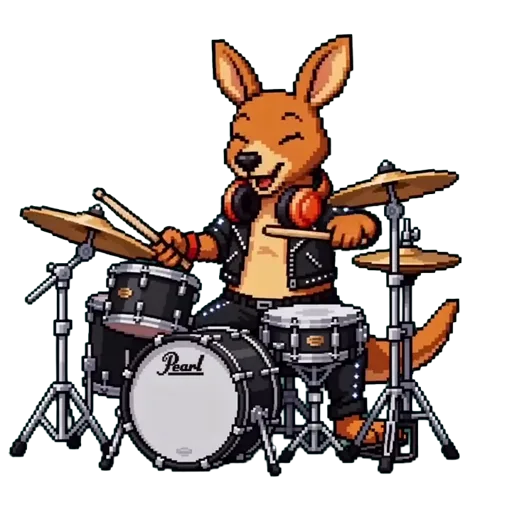
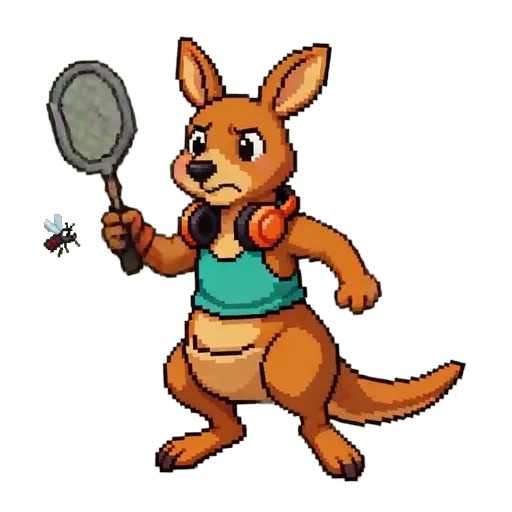

Playful easter eggs
More fun animations to discover.
FAQ
FAQ
What music can I import into Groovement?
Groovement supports MP3, M4A, WAV, FLAC, OGG, AAC, WMA, and OPUS files in mono or stereo. We recommend tracks between 30 seconds and 30 minutes, sample rates from 8 kHz to 192 kHz, and files up to 100 MB. Music with clear, steady beats, such as pop, rock, EDM, and hip-hop, works best; instrumental tracks or songs without a clear beat may not be detected correctly. Please only buy or download music you have the legal right to use, and avoid pirated copies.
Will my music be uploaded?
No. Groovement runs entirely on your device and does not upload any information to a server.
Why a kangaroo?
A kangaroo is a natural metronome: its hops are not mechanical running but elastic, floating rhythm. Plus, Kangaroo and Groovement sound great together, so the kangaroo is here to run every step with you.
Scan to download


